One library for all your games
NOVA finds your installed games on its own, fetches covers, backgrounds, logos and trailers, adds new games and removes the ones you uninstall.
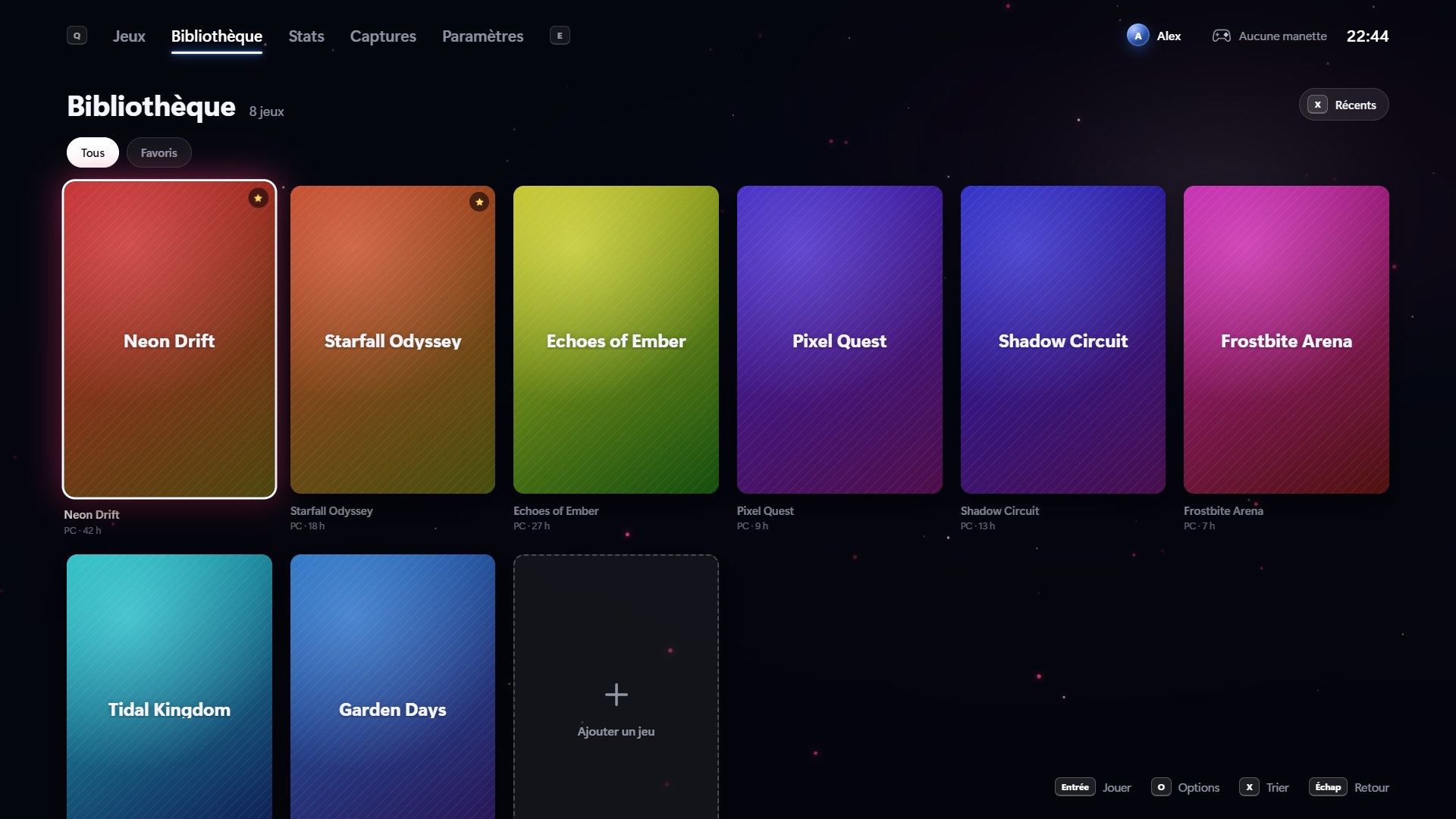
All your Steam, Epic, GOG, Ubisoft and EA games in one full-screen interface. Grab your controller, sit back on the couch: NOVA takes care of the rest.
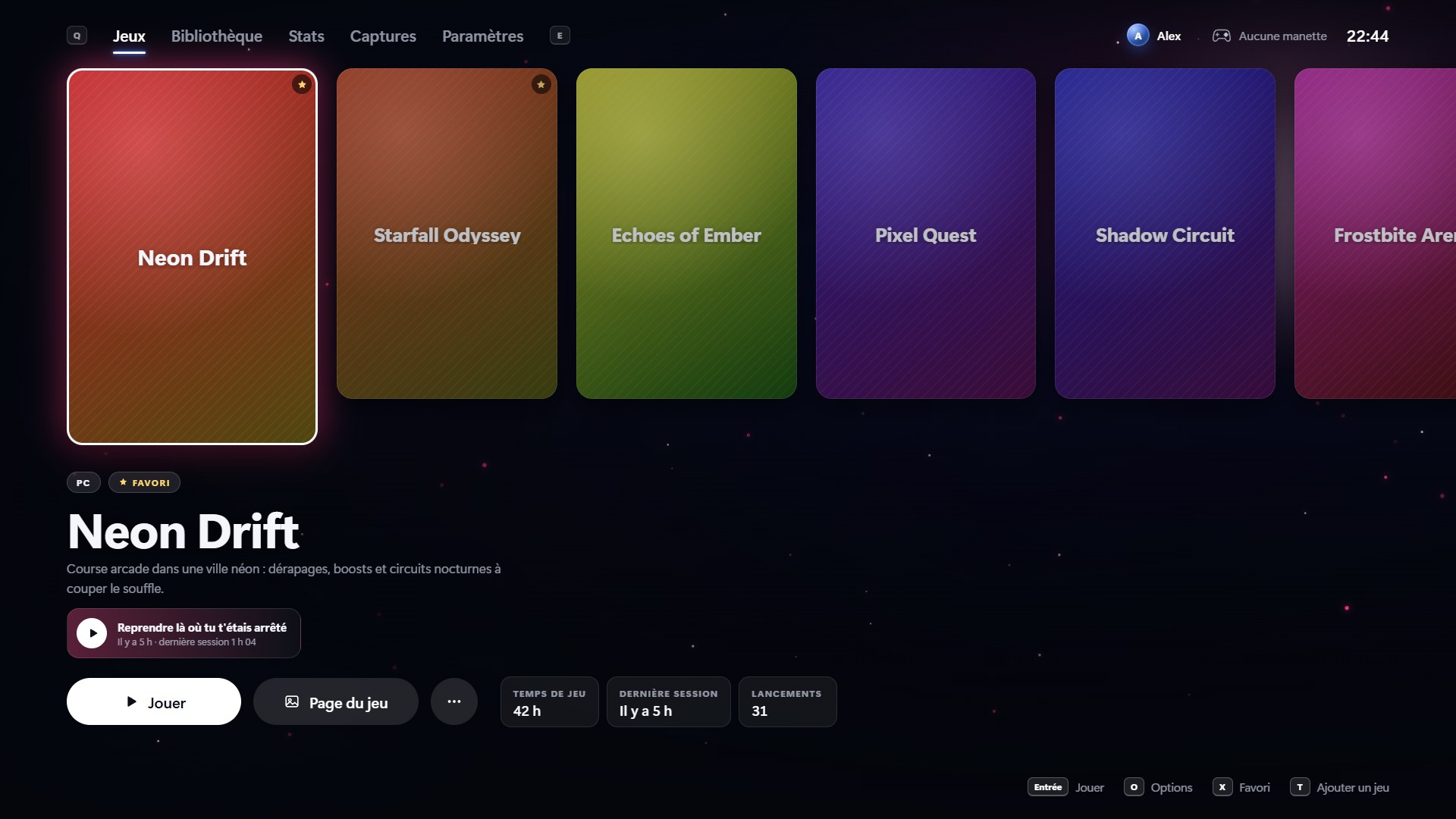
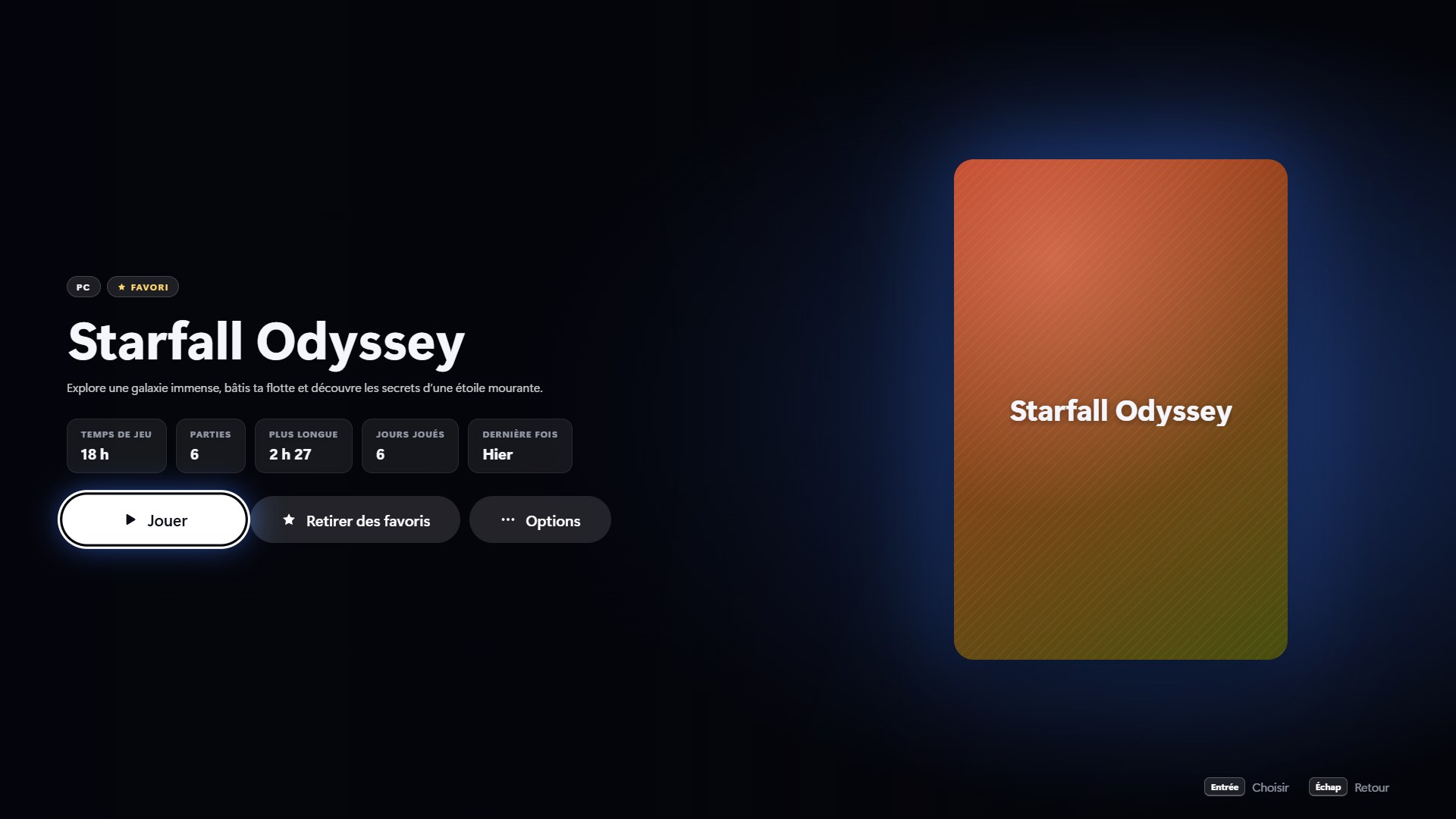
Pick a game, open its page, browse your library and stats: a few seconds of NOVA without touching the mouse.
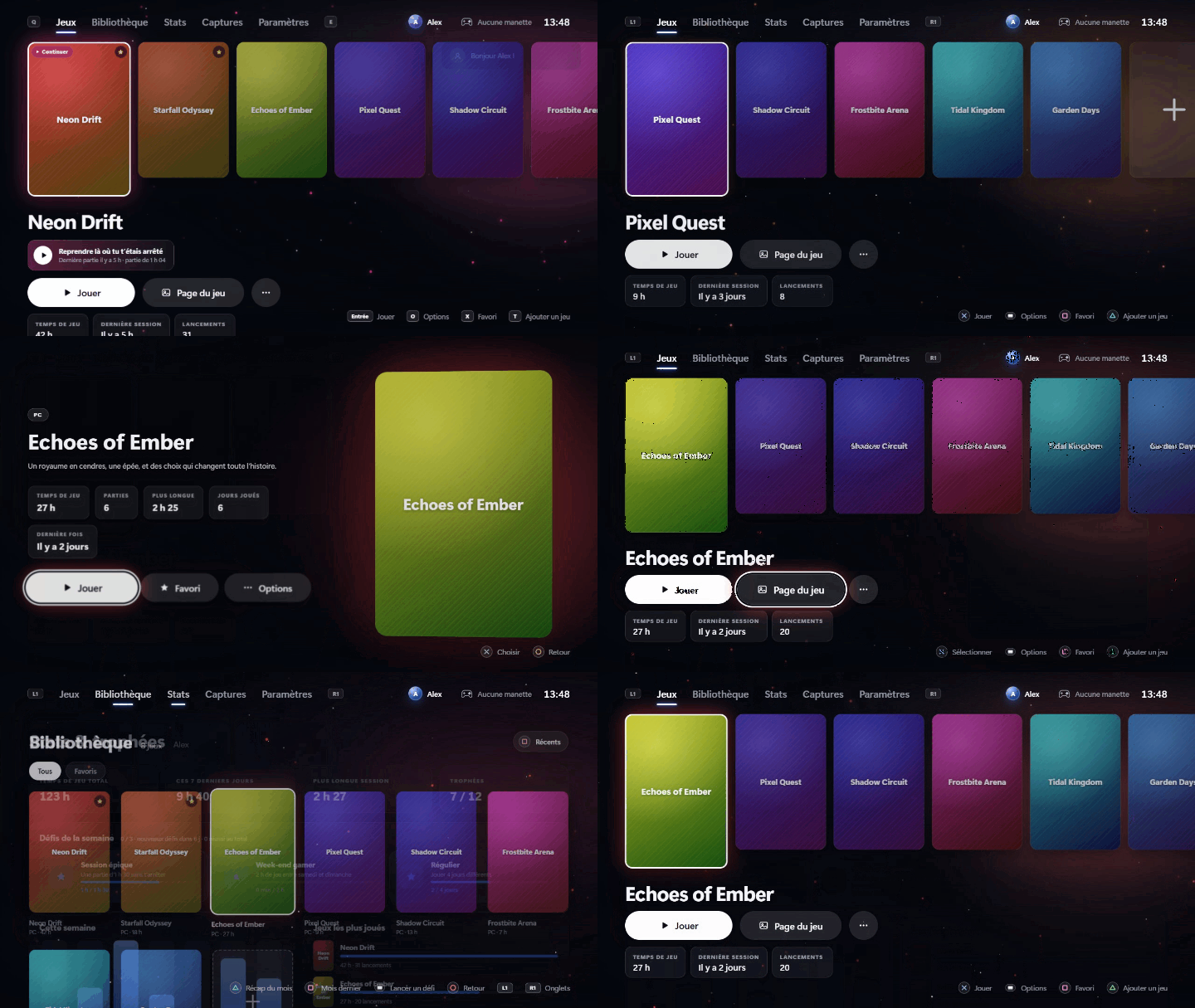
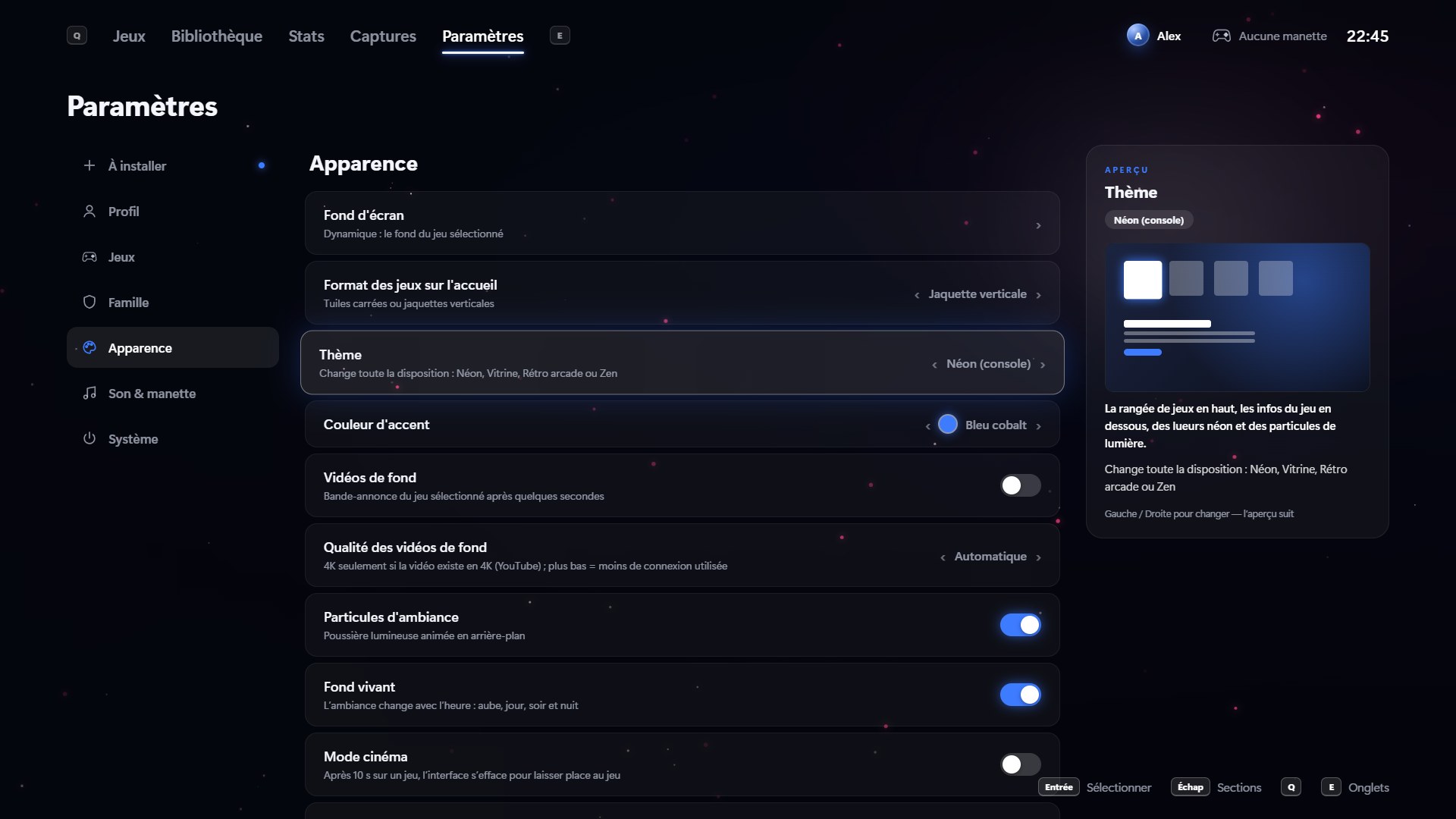
Each theme rearranges the home screen its own way. Pick yours in one click in Settings, and change your mind any time.
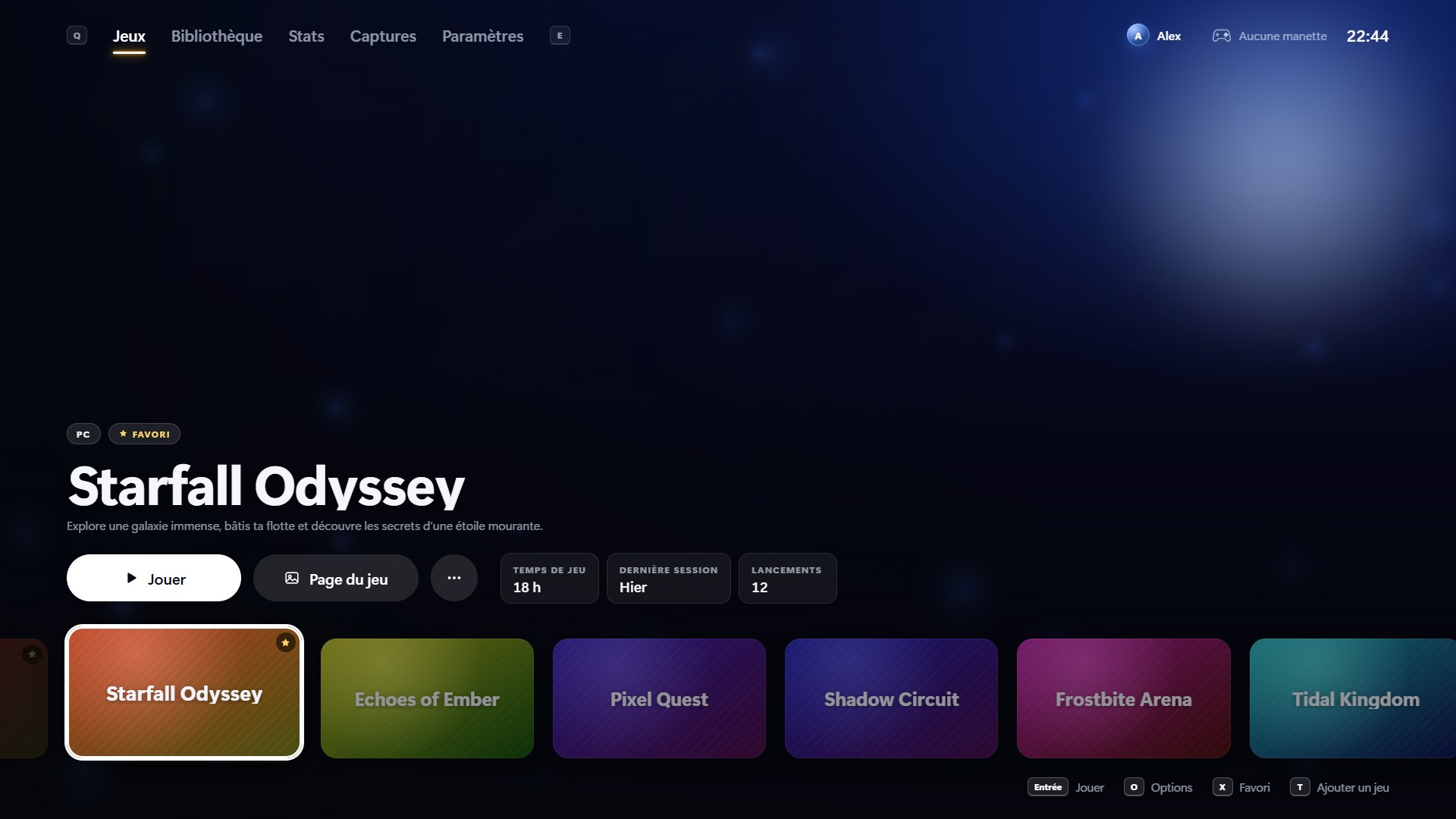
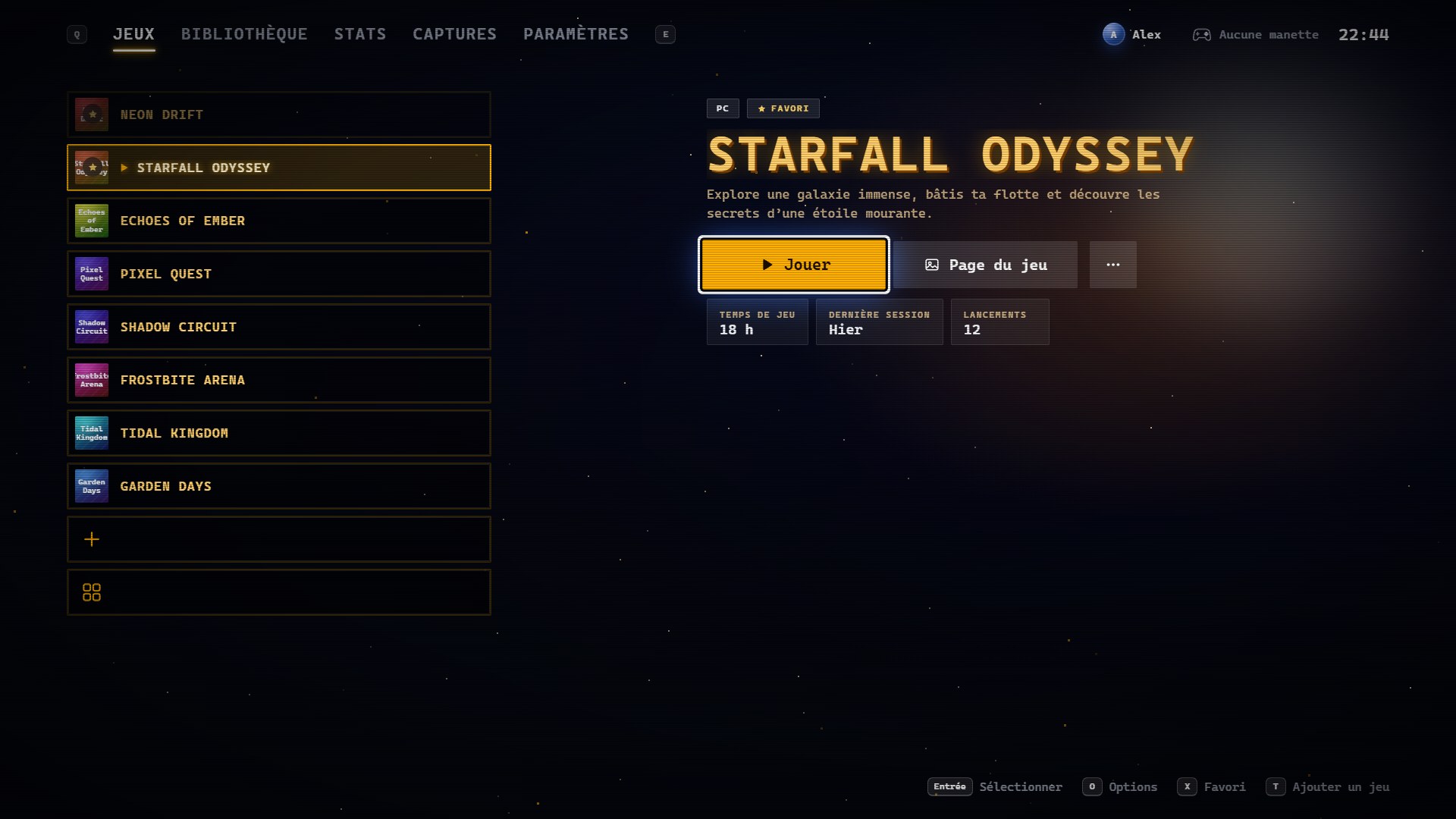
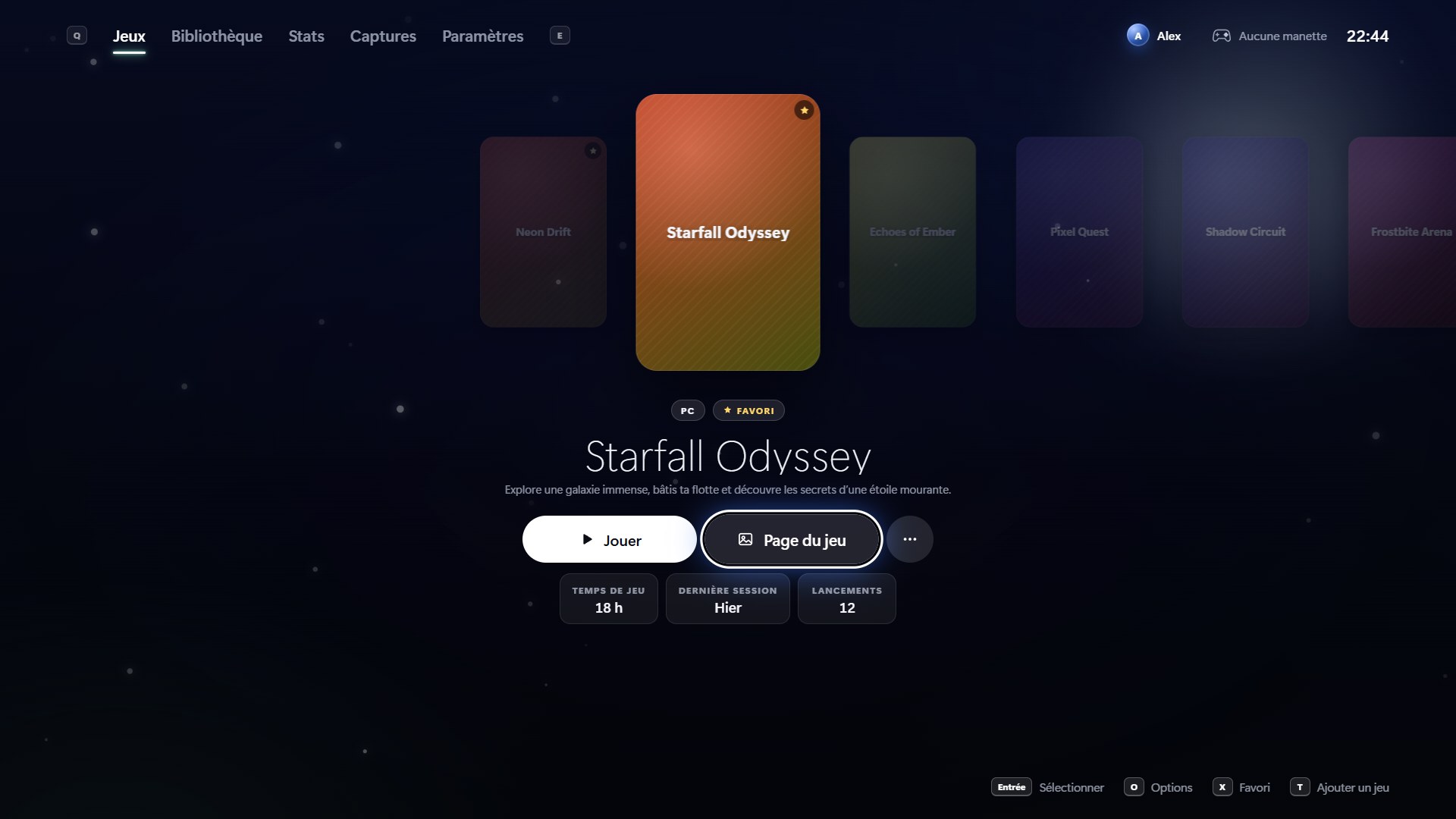
NOVA finds your installed games on its own, fetches covers, backgrounds, logos and trailers, adds new games and removes the ones you uninstall.
DualSense, DualShock 4 or Xbox. Battery level, rumble, a light bar that matches the game, and a virtual Xbox controller for picky games.
One shortcut turns on the TV and shows NOVA on it (Sunshine + Moonlight). Mid-game, switch from the PC screen to the TV without quitting.
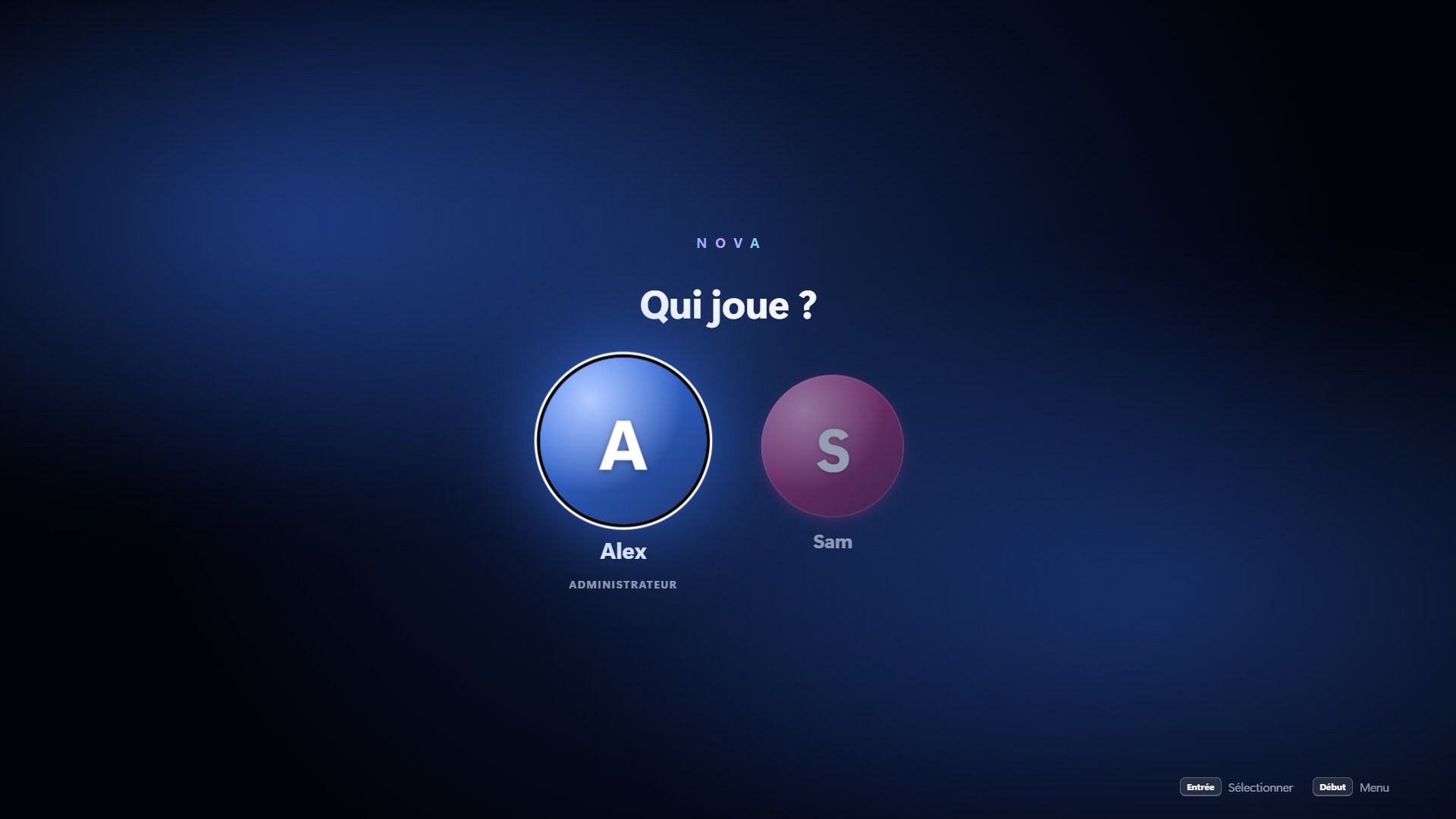
Profiles with PIN codes, parental controls, separate saves per profile, night mode, and a player 2 tracked when two controllers play.
Scan a QR code and it becomes a second screen (temperatures, screenshot, pause) — or a friend’s controller, with nothing to install.
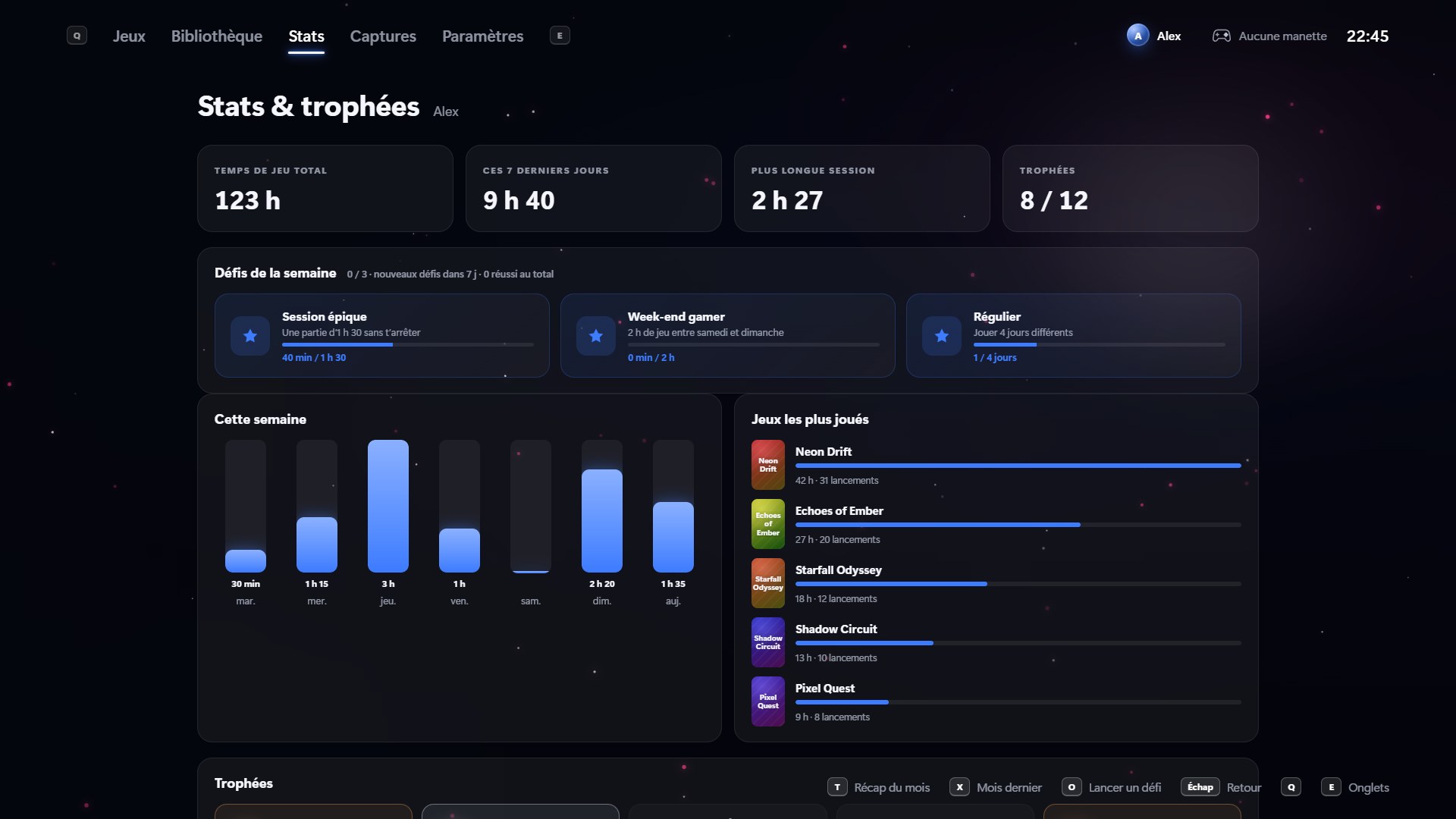
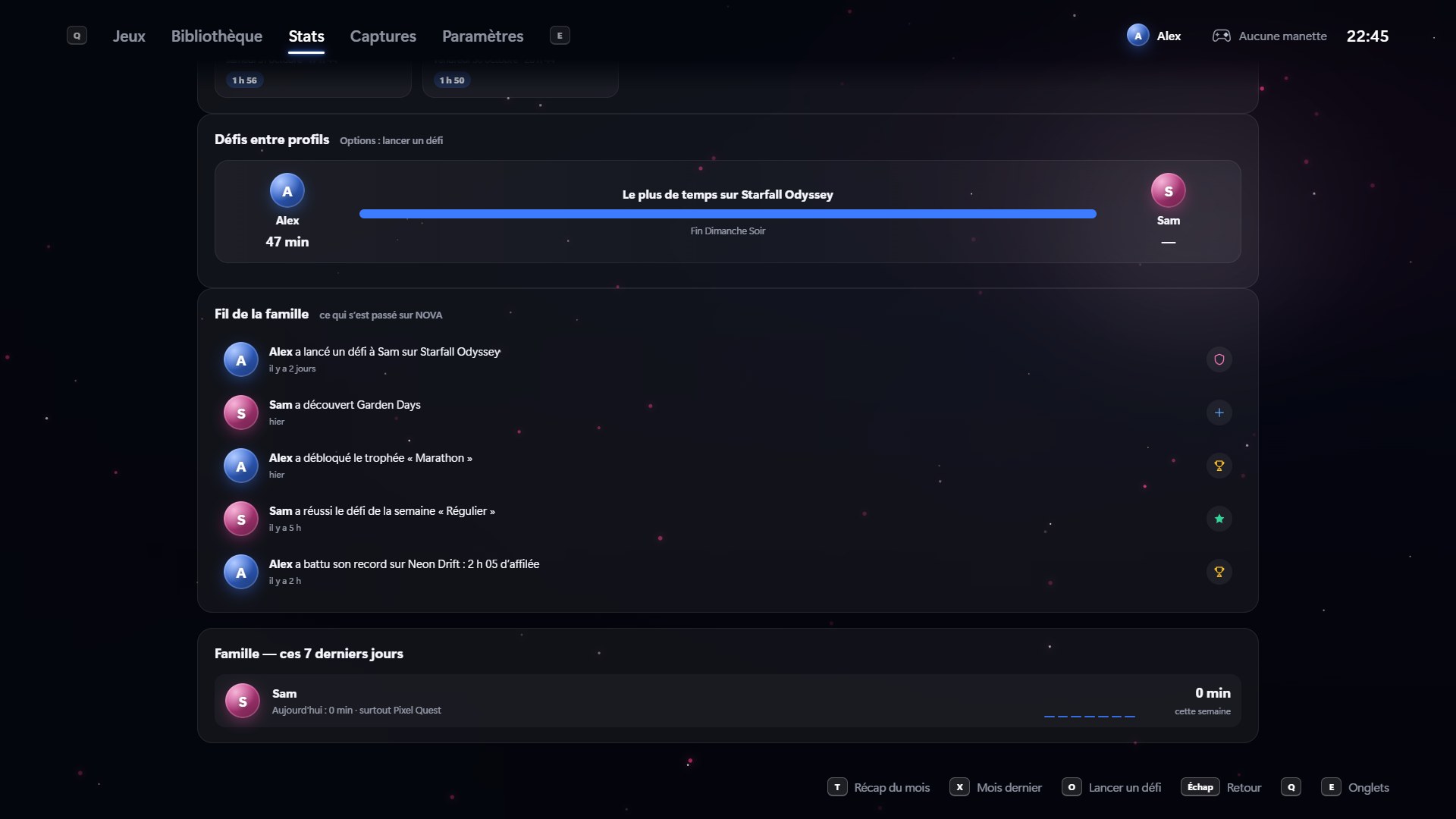
Play time, weekly challenges, trophies, a monthly recap and a journal with screenshots of your sessions.
After each session, a copy goes to OneDrive, Google Drive, Dropbox or a USB drive.
Everyone ticks their own mods: NOVA sets them up at launch and puts the original files back afterwards.
A small notification in the top-right corner, and NOVA updates itself without reinstalling.
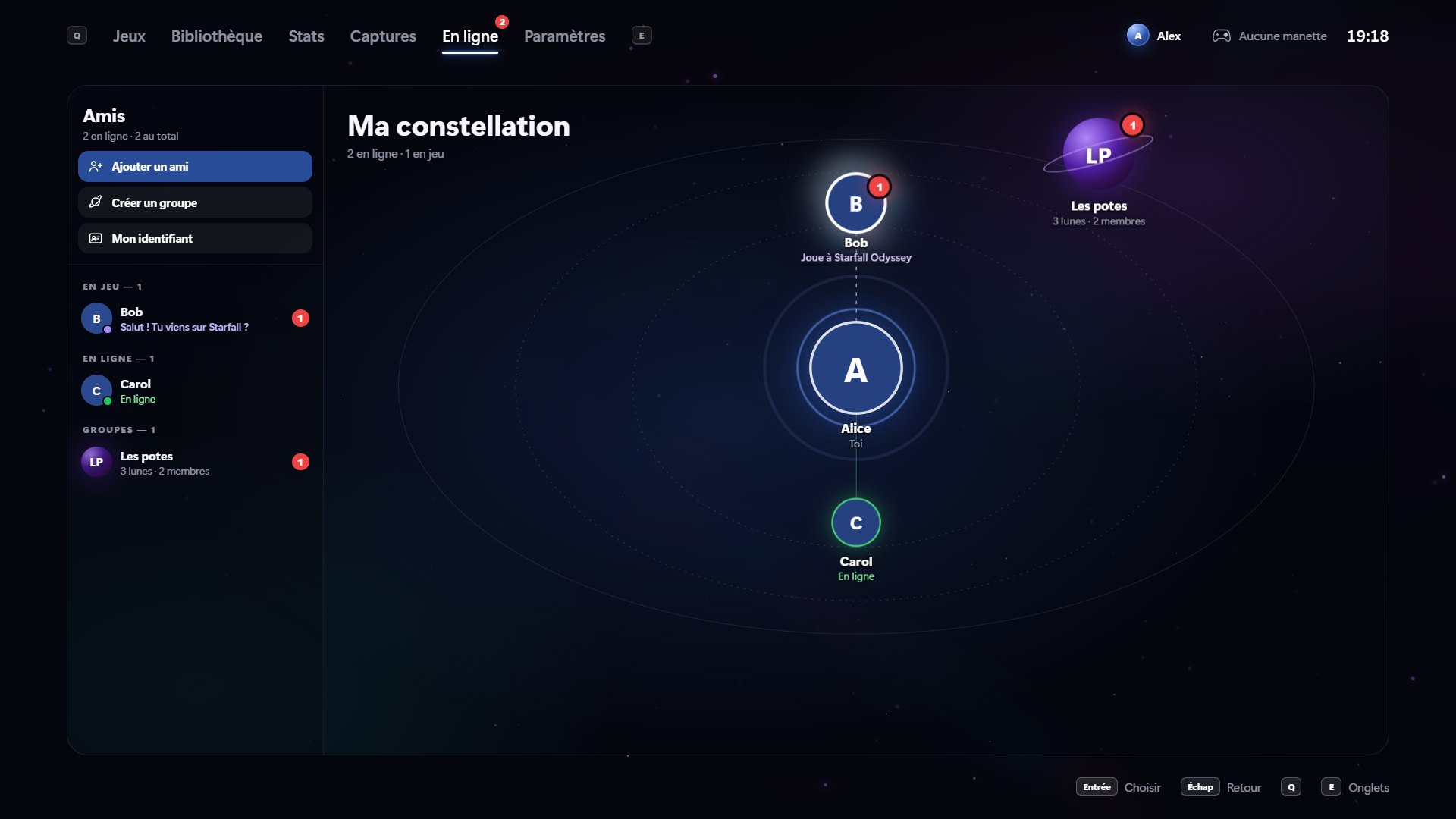
Your friends are stars around you: the ones playing glow in their game’s colors, and your groups are planets. Everything works with a controller, and NOVA stays 100% local until you sign in.
Each group has its moons, one per game or topic, with the game’s cover as a backdrop and the friends playing it. The crew is shown, and every member gets access to every moon.
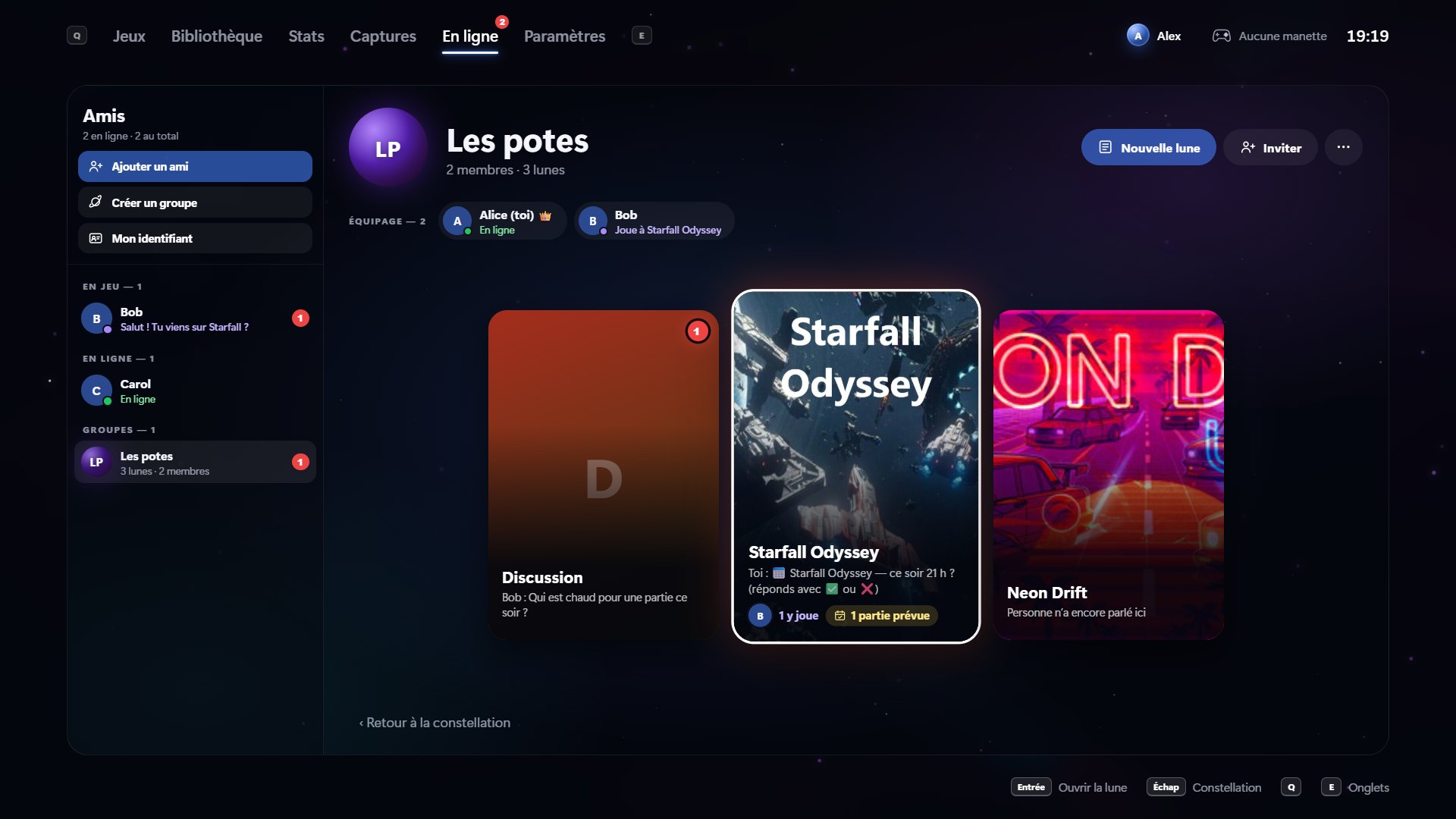
Suggest a session: your friends answer “I’m in” or “Can’t” right on the card.
Triangle opens a wheel of quick messages you aim with the stick. In game, PS + touchpad opens it over the game: message a friend without quitting.
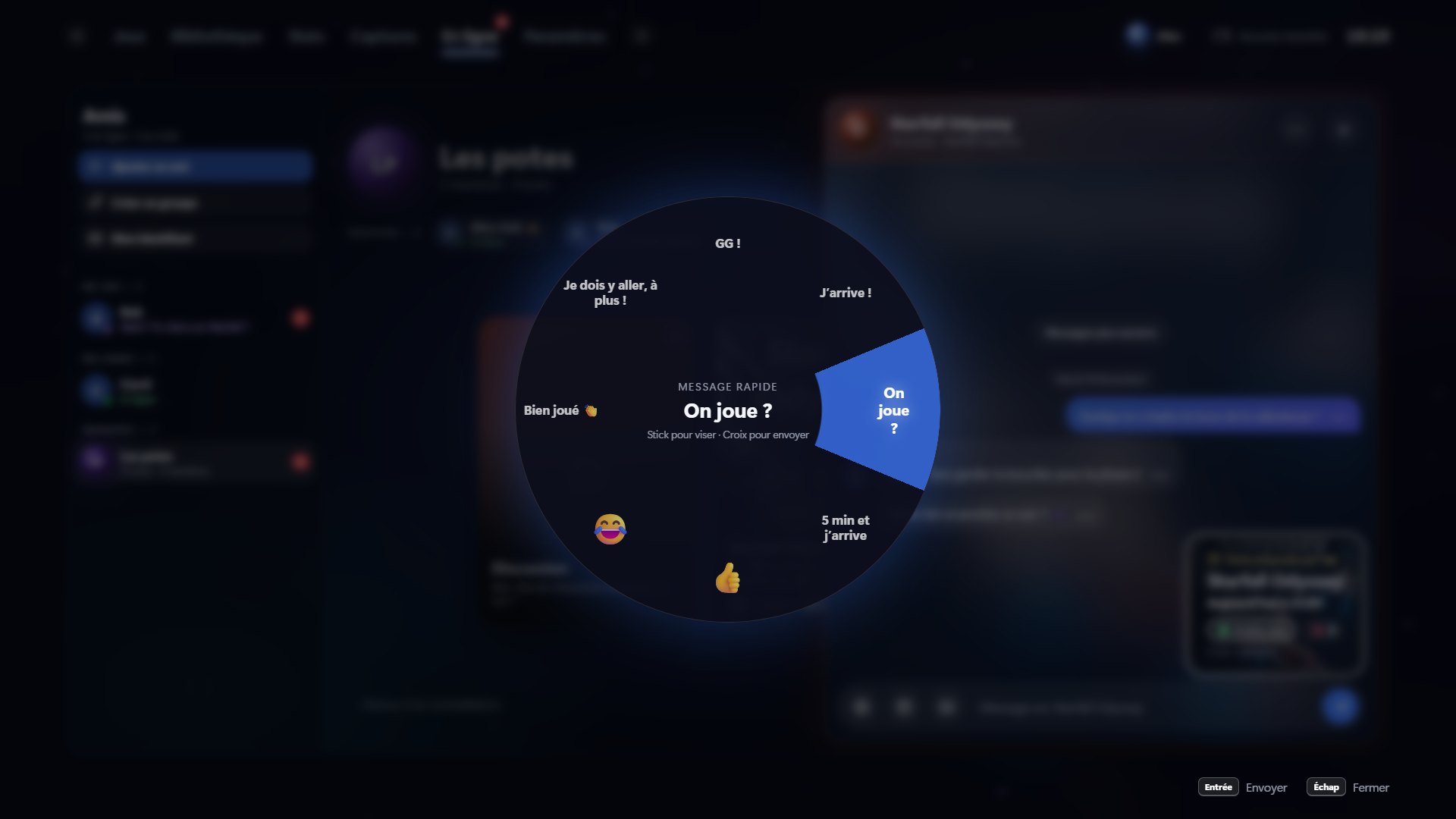
End-to-end encrypted messages, reactions, shared screenshots and in-game notifications.
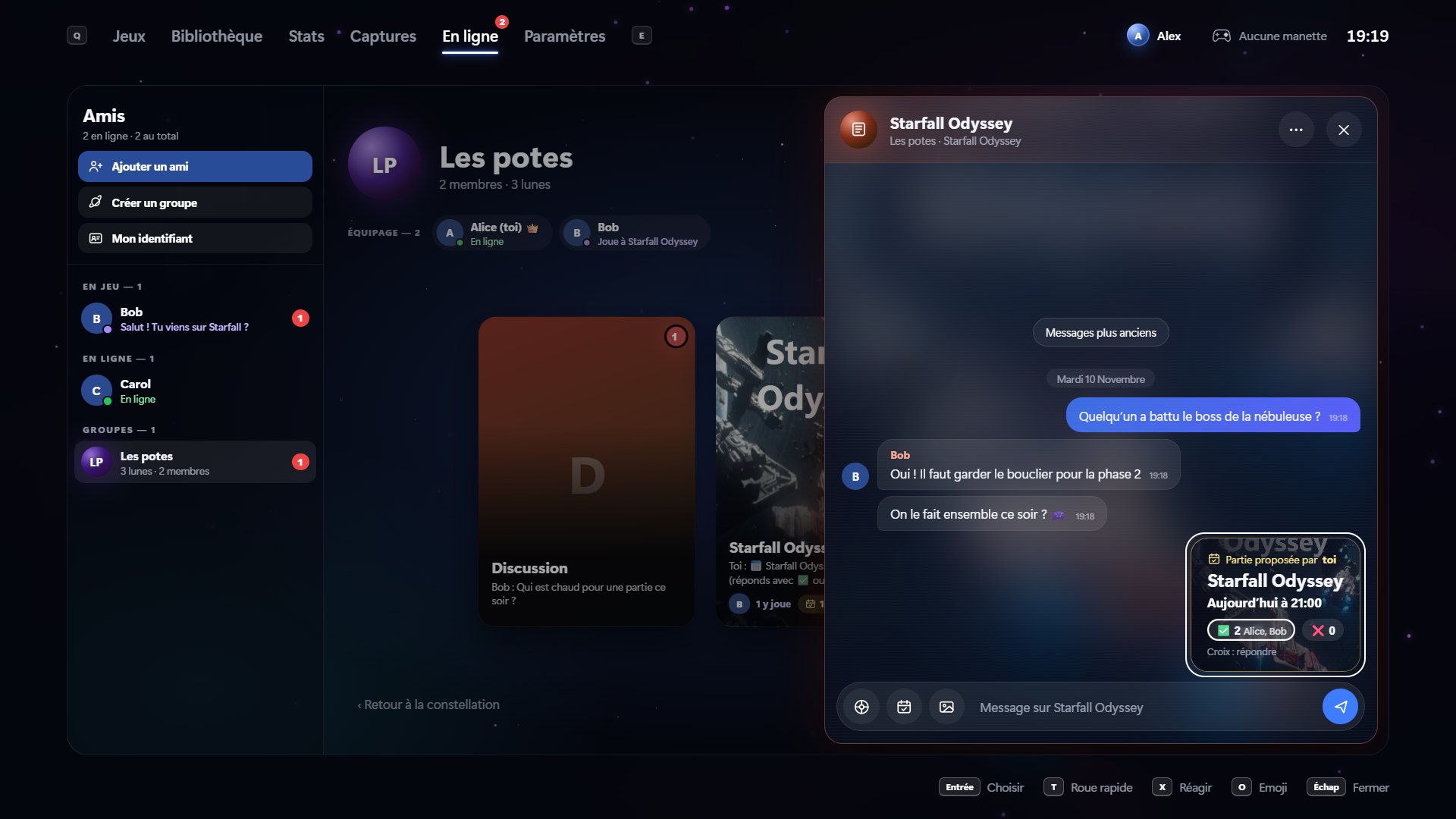
NOVA uses the Matrix network: free account on matrix.org, and your friends can reply from Element or any Matrix app.
Nothing connects until you decide to. Child profiles only get access with a parent’s approval.
Online screenshots are shown with the French interface.
Screenshots taken with a demo library (made-up games).
The NOVA-Setup.exe file is in the latest release on GitHub.
Windows may show “Windows protected your PC”: the installer isn’t code-signed yet. Click More info then Run anyway. No admin rights needed.
Plug in your controller, pick an avatar: NOVA finds your games on its own.
NOVA improves almost every day. Here are the last three releases (release notes are written in French).
Yes, with no ads and no subscription. If you want to support the project, there’s a Sponsor button on the GitHub page, but it’s never required.
No: NOVA brings your games together and launches them through their usual launchers. Your purchases, achievements and cloud saves stay with Steam, Epic, GOG, Ubisoft or EA.
DualSense (PS5), DualShock 4 (PS4) and Xbox controllers, over USB or Bluetooth. NOVA can also create a virtual Xbox controller for games that don’t recognize the DualSense. Keyboard and mouse work everywhere.
The installer isn’t digitally signed yet, which is expensive for a free project. Click “More info” then “Run anyway”.
No. NOVA runs on your PC. It only downloads game covers and trailers, and checks GitHub for updates.
Yes, with Sunshine on the PC and the Moonlight app on the TV (Android TV, Google TV…). NOVA installs and configures Sunshine for you, then a controller shortcut turns on the TV and shows NOVA on it.
Download NOVA, plug in your controller, and rediscover your PC games like on a console.
Download for free